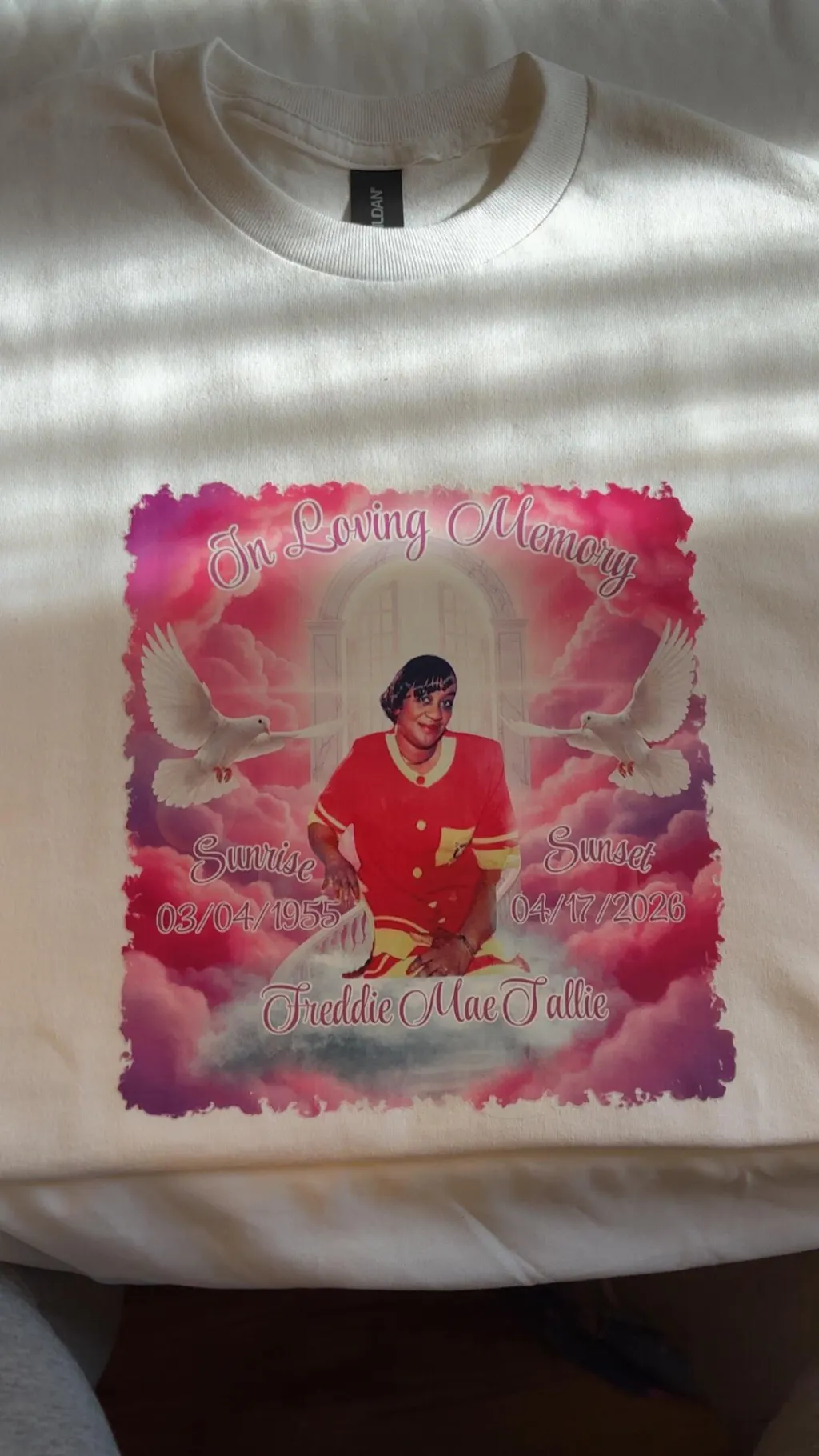
Direct-to-film printing, often called DTF printing, is a popular way to add custom designs to shirts and other apparel. It involves printing your artwork onto a special film, then transferring it to fabric using heat. This method gives vibrant, durable results that work well on cotton, polyester, and blends. If you're new to it, you might wonder what DTF printing is or what DTF prints are. Simply put, DTF prints are high-quality transfers that let you create personalized clothing without needing screens or messy inks.
One key part of success with DTF prints is choosing the right size for your design. The DTF print sizes for shirts depend on the shirt type, placement, and what look you want. Whether you're making t-shirts for adults, kids, or hoodies, getting the dimensions right ensures the design fits well and looks professional.
In this guide, we'll break down options for small, medium, large, and oversized prints. We'll cover measurements in inches, tips for different placements like front, back, and sleeves, and how to pick sizes based on your needs.
Understanding DTF Print Dimensions for T-Shirts
Before diving into specific sizes, let's talk about how to measure and plan your DTF transfer print measurements. Designs are usually sized by width and height, not including the extra film around them. A good rule is to think about the shirt's size; small shirts need smaller prints to avoid overwhelming the fabric, while larger ones can handle bigger designs.
For example, adult shirts range from small to 3XL, and youth or kids' sizes are smaller. Ladies' cuts might need adjustments for a slimmer fit. Always test your design by printing it on paper and taping it to the shirt to check fit. This helps with how to choose DTF transfer size and prevents issues like designs hitting seams or pockets.
Common placements include:
-
Front: Left chest, center chest, or full front.
-
Back: Upper back, full back, or small upper back near the collar.
-
Sleeves: Left or right arm.
-
Other: Pockets or hoods on hoodies.
Small DTF Print Sizes for Shirts
Small prints are perfect for subtle, logo-style designs. They work well on print areas for DTF transfers like left chest pockets or sleeves, where space is limited. General dimensions range from 1 to 4.5 inches in width and height.
For a left chest print on an adult t-shirt, go for 3.5 inches wide by 2 inches high. On youth shirts, shrink it to 2.5 inches wide by 1.5 inches high. Place it about 3 inches down from the collar's bottom edge, centered or slightly off to the side. This size is great for company logos or small text.
On sleeves, keep it smaller, around 2.5 inches wide by 1 inch high for adults, and 1.5 inches square for kids. Position it 1 inch above the sleeve seam. Small prints are ideal if you're asking what size DTF print you need for a shirt for something simple and not flashy.
If you're doing custom DTF prints or DTF prints custom, small sizes save on materials and are easier to apply. They're also common in DTF gang sheet printing, where multiple small designs fit on one sheet.
Medium DTF Print Sizes for Shirts

Medium prints offer a balance, visible but not overwhelming. These are often used for center chest or upper back areas, with sizes from 6 to 10 inches wide and 2 to 10 inches high.
A standard center chest print on an adult shirt might be 8 inches wide by 4 inches high. For youth, go with 6 inches wide by 3 inches high. Place it 3 inches down from the collar, right in the middle. This works well for slogans or medium graphics that need to stand out under a jacket.
For the upper back, try 12 inches wide by 4 inches high on adults, or 10 inches wide by 2.5 inches high on kids. Position it 4 inches below the collar. Medium sizes are versatile for the DTF sizing guide for different shirt types, including ladies' tees, where you might adjust for a V-neck.
When planning DTF sheet layout for multiple shirt prints, medium designs allow you to fit a few on one DTF print sheet. They're a step up from small if you want more impact without going full size.
Large DTF Print Sizes for Shirts
Large prints make a bold statement, covering more of the shirt. They're common for full front or full back placements, ranging from 10 to 13 inches wide and 10 to 15 inches high.
On the full front of an adult t-shirt, a large print could be 11 inches square. For youth, 9 9-inch squares is better. Place it 3 inches down from the collar to keep it centered and visible. This size suits artistic designs or event tees.
For the full back, aim for 12 inches wide by 14 inches high on adults, and 10 inches wide by 12 inches high on kids. Start 4 inches from the collar. Large prints shine on the standard DTF print size guide for promotional wear.
Consider the recommended DTF print area for adults and kids. Adults can handle wider designs, but kids' shirts might look bulky if too large. Also, think about the ideal DTF print size for front and back designs; pairing a large back with a small front chest creates balance.
Also Read: Types of T-Shirt Printing: Pros, Cons & Best Use Cases Explained
Oversized DTF Print Sizes for Shirts
Oversized prints are for maximum impact, like streetwear or custom art pieces. They go beyond standard, measuring 12 to 15 inches wide and 14 to 16 inches high.
An oversized front or back on an adult shirt might be 13 inches wide by 15 inches high. For youth, stick closer to large sizes like 10 by 12 to avoid fit issues. Place it just 2 inches below the collar for an edge-to-edge feel.
These are part of large-format DTF prints and work best on bigger garments like hoodies or oversized tees. However, they might not suit small shirts, tanks, or V-necks. Check the difference between small and oversized DTF prints. Small is discreet, oversized is eye-catching but needs more film and careful application.
For the best DTF size for hoodies, oversized can cover the front fully, but ensure it doesn't wrinkle in the hood area. Use DTF film sizes for printing that match your printer's max output.
Tips for How Big Should DTF Design Be

Choosing the right size involves your design's complexity and the shirt's purpose. Simple logos? Go small. Detailed art? Large or oversized. Always use a DTF transfer size chart to reference standard measurements.
For pixel sizing, what is the best PX size for DTF? Aim for 300 DPI resolution. So, a 12-inch wide print needs 3600 pixels wide. This ensures sharp results.
If you're outsourcing, look for a reliable DTF printing service or local DTF printing. They can provide printed DTF transfers or DTF print transfers ready to apply.
Summary
Mastering DTF print size for shirts makes your custom apparel stand out. From small pocket prints to oversized statements, the key is matching size to placement and shirt type. Remember to use a standard DTF sizes for small and large shirts as your base and adjust as needed.
For top-quality custom DTF transfer sizes, check out DTFIL today, your go-to for premium transfers and expert advice. Order now and elevate your shirt designs.
FAQs
Q: What size DTF print for a shirt?
The size depends on placement and shirt type. For adult t-shirts, the left chest is about 3.5" x 2", the center chest is 8" x 4", the full front is 11" x 11", and the full back is 12" x 14". Youth sizes are smaller, like 2.5" x 1.5" for the left chest.
Q: How to size images for DTF printing?
Start with your desired print dimensions in inches, then multiply by 300 for pixels (e.g., 12" wide = 3600 pixels). Use design software to scale, keeping the aspect ratio intact. Test on paper for fit.
Q: What's a good size DTF transfer for adults?
For adults, a good all-around size is 8-11" wide for front prints and 12" wide for backs. Adjust based on design; simpler ones can be smaller, bold ones larger.
Q: What is the best PX size for DTF?
At 300 DPI, the best pixel size matches your print inches. For a 10" x 10" design, use 3000 x 3000 pixels. This ensures clarity without pixelation.
Also read more related blogs: What Does DTF Stand For in Printing?